Publish your game to the Tessera Community Showcase
1
Export Your Picture Cart (.tess.png)
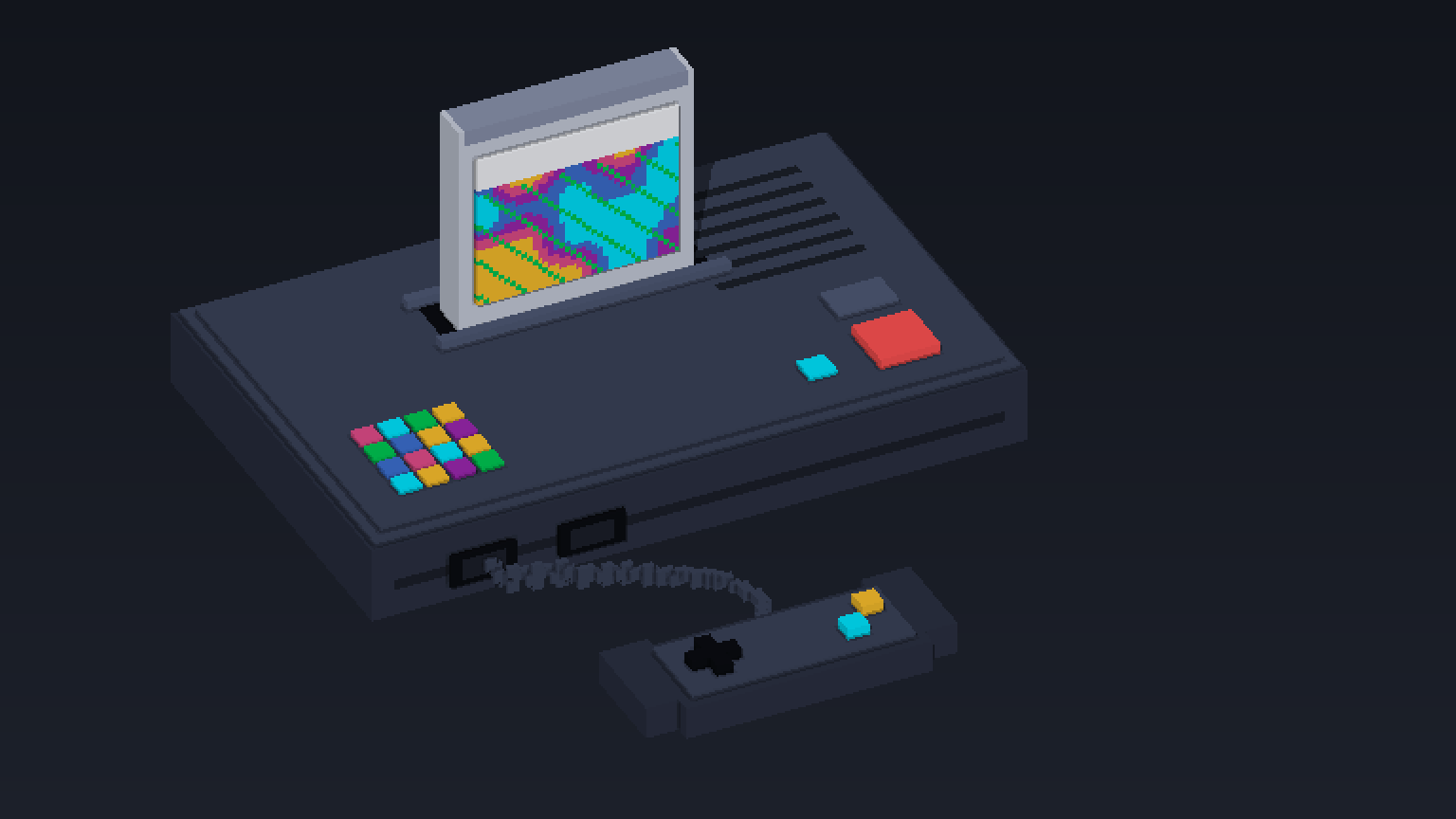
From inside your game, press Enter to open the pause menu and select "Save label picture" or export the .tess.png. Your code, models, and label art are packed into one 256×256 image.
2
Instant Client-Side Pre-Flight Check
Drop your .tess or .tess.png file below to test if it parses and compresses within the 64 KiB capacity limit:
📦
Drag & drop your cartridge file here, or
3
Submit to GitHub (Zero Cost, One-Click PR)
Once verified, submit via our GitHub Issue template or open a Pull Request. Our automated CI bot tests the cart in headless Chromium and publishes it to the storefront automatically!